Reverse Logistics
Hassle-free returns for you and your customers
A simple solution for every online shop
Label-free returns
Customers only need a code. Eliminate one of the most common return barriers and reduce the workload for your customer support team.
The largest locker and drop-off network
Customers can return parcels at our drop-off points. In the Czech Republic and Slovakia, they can also use Z-BOXes.
Everything under control
In the Client Section, you have access to an overview of returns and their pairing with the original order number.
Delivery where it suits you
We can deliver returns directly to you via pickup service or to a pick-up point of your choice.
Where is it being returned from?
Three ways to handle returns
In the Czech Republic, Slovakia, Hungary, and Romania, you can choose from three return solutions. They simply place the parcel in a Z-BOX or bring it to a drop-off point.
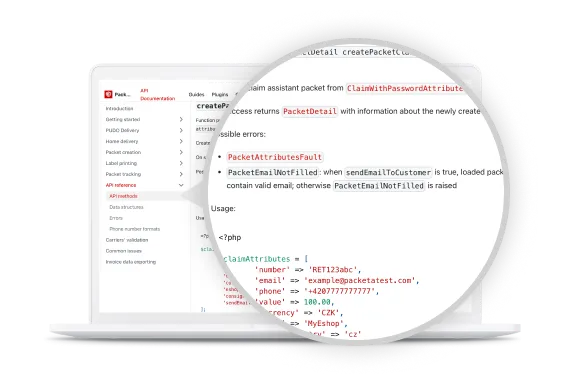
1. API Integration
A fully automated process tailored to your needs. Generate a return code or label via API and send it to the customer. The customer then places the parcel in a Z-BOX or returns it at a drop-off point.
Works even for parcels that were not originally delivered via Packeta.
We’ll be happy to help you with the IT integration — contact us at integrations@packeta.com.
2. Returns Portal
You can activate it in a few minutes in the Client Section, with no IT work needed.
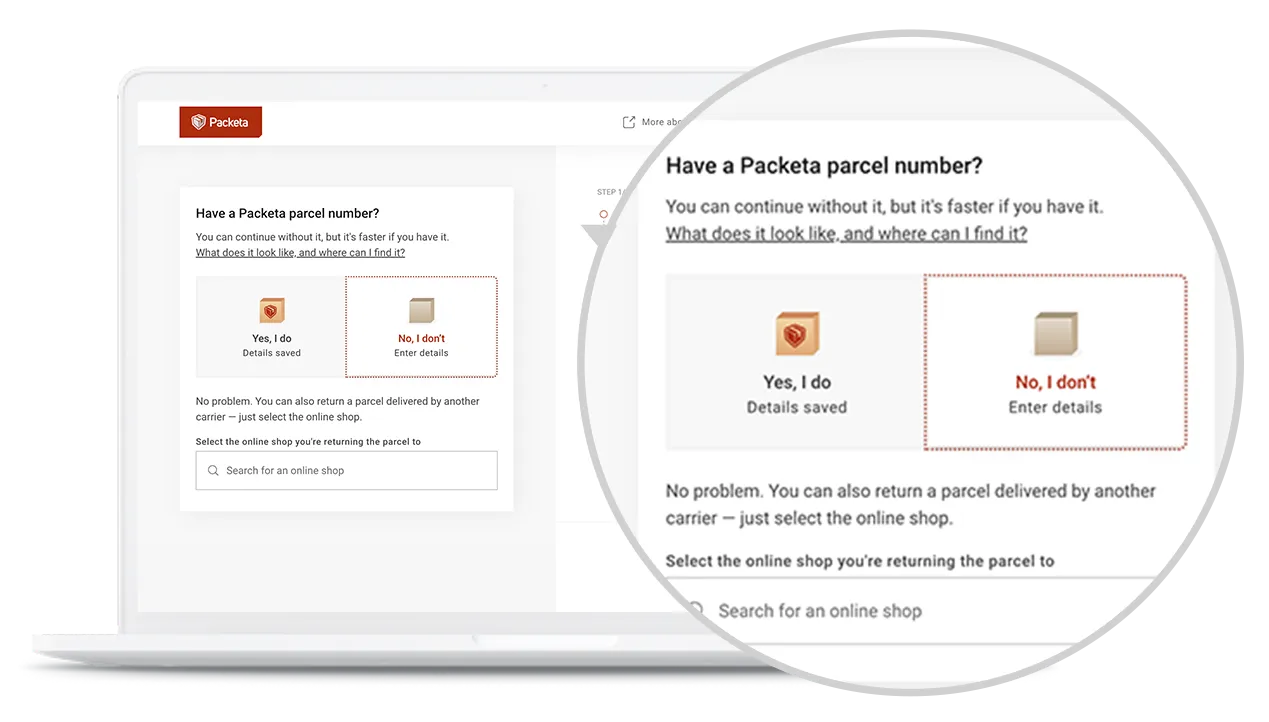
Customers can create a return in two ways:
By parcel number: for parcels delivered by Packeta. The customer enters the original parcel number (Z…).
By selecting the e-shop: for parcels delivered by another carrier. The customer selects your e-shop and fills in the order number and contact details. You turn this option on in the Client Section, and your e-shop appears in the portal once it’s approved.
01
In the Client Section, you set the return deadline, return address and notifications.
02
On returns.packeta.com, the customer enters the parcel number or selects your e-shop.
03
The customer confirms the return with a verification code sent by SMS.
04
The customer receives a drop-off code and a label by email, then takes the parcel to a pickup point or a Z-BOX. You’ll see the return in the Client Section and get an email about it.
05
We pick up the parcel and deliver it to your return address.
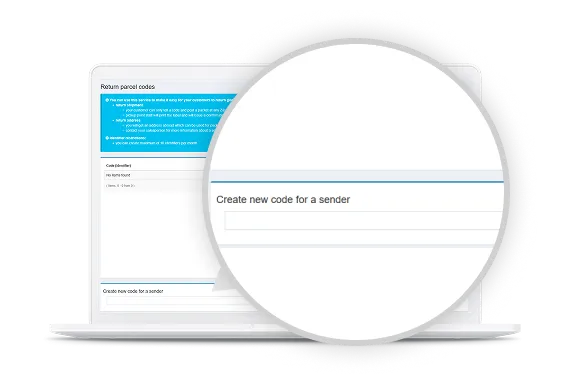
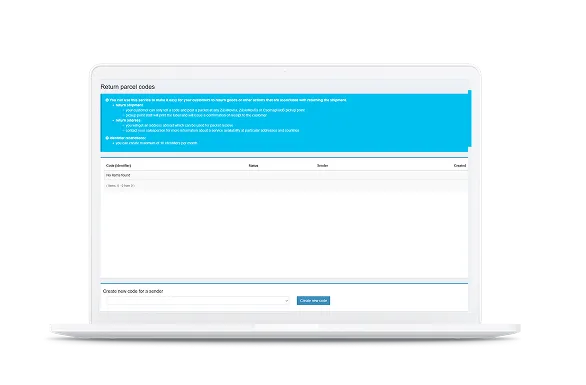
3. Return Code
Generate a universal return code in the Client Section and send it to your customer. They can drop the parcel into a Z-BOX after converting the code in our mobile app, or take it to any drop-off point and read the code out to the staff.
Price list of return parcels
 Czech Republic
 Slovakia
 Hungary
 Romania
 Belgium
 Bulgaria
 Estonia
 France
 Croatia
 Italy
 Cyprus
 Lithuania
 Latvia
 Germany
 Netherlands
 Poland
 Portugal
 Austria
 Greece
 Slovenia
 Spain
 Switzerland
Technical Documentation
All documentation for Reverse Logistics — including the Returns Portal, API integration, and Return Code — can be found in one place.